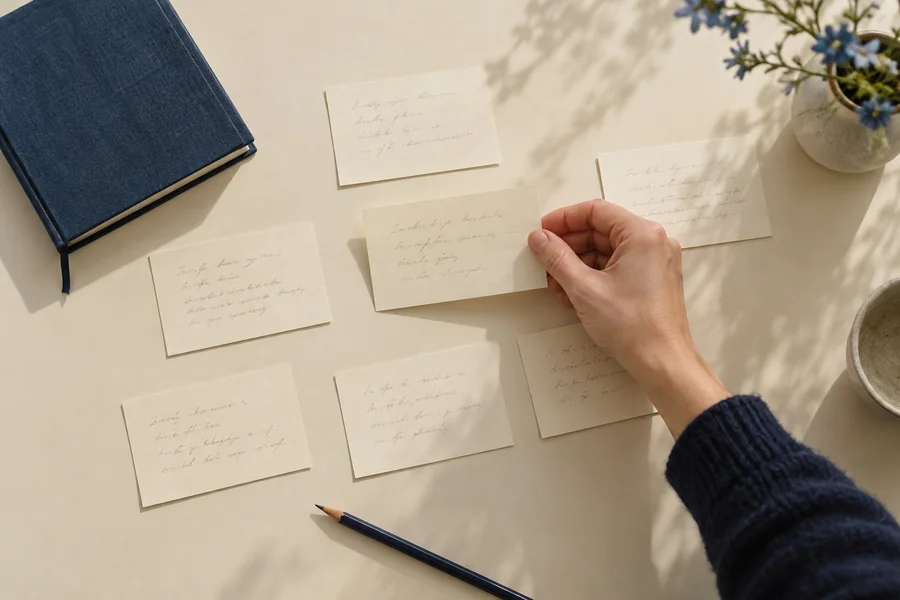
Choose a worksheet for a question you already have.
A template works best when you know what you want it to reveal. Use the project brief to narrow a book idea, the scene card to describe a change, and the reverse outline to map pages that already exist. The research log connects a claim with its trail of evidence. The revision plan separates an observation from a proposed repair. The AI use record gives meaningful assistance a dated place in your process.
You do not need to fill every sheet before drafting. Choose one and complete it briefly enough that the writing remains the main activity. If a field makes no sense for the project, adapt the wording. A nonfiction chapter and a quiet short story need different kinds of notes. The worksheets are intentionally editable text and CSV files so you can work in the tools you already use.
A worked way to use the project brief.
Suppose you want to write a handbook for people organizing a neighborhood repair event. Write the intended reader as a first-time organizer rather than “everyone interested in sustainability.” Describe the promise as helping that person plan a small, supervised first event. Name technical repair instructions for every appliance as outside the book. Then choose a sample chapter about deciding which kinds of repairs the event can responsibly accept.
That brief does not prove the book has an audience or settle every practical question. It gives you a sample to test and a boundary to inspect. If the sample becomes a personal memoir instead of an explanation, that is useful information. Decide whether to change the book or change the chapter. Keep the older brief if it helps you understand why the direction moved.
Keep the example separate from your own material.
A worksheet can be used for fiction, nonfiction, or an ordinary writing experiment. The examples on this website are invented teaching material unless identified as an actual app screen or an external source. Replace them with your own notes. Do not treat a convincing example as verified research or a promise that the same approach will work for every book.
When recording a source, mark what you have actually checked. When recording a scene, describe what changes in the draft rather than what you hope a reader will feel. When recording AI use, name the task and how the result was handled. These distinctions keep the sheet useful when you return to it weeks later. A clean form is valuable only if it preserves the state of your thinking honestly.
Keep a copy you can find again.
A downloaded file is stored through your browser’s normal download process. Choose a name and folder that connect it with the project and date. Keep manuscript backups separately. The website does not receive the completed worksheet and does not synchronize it with a writing app. If you use a browser tool instead, export important notes before clearing local storage or moving devices.
CSV files are supplied for table-shaped records; text files are convenient for brief notes and printing. Review any material before sharing it with another person. Private interviews, sensitive life writing, and access credentials need more careful handling than a shared worksheet. Use an appropriate secure arrangement where the project calls for it. The resources here are an organizational starting point, not an archive or a professional records system.
Match the file to the amount of material.
The project brief, scene card and revision plan have text versions you can expand in a document. The research log, reverse outline and AI use record have CSV versions for adding rows. Give each scene a card; keep research and chapter records together.
Check a filled PDF before relying on it.
Download the PDF, enter a test note, save it, then reopen the copy to check the field retained your text. Print one page if you plan to work on paper. Keep answers brief enough to read comfortably; move a growing explanation into the editable companion.
Before you get started.
Which worksheet fits an unfinished draft?+
Start with the reverse outline to describe existing chapters. Use a revision plan once you can name an issue and a change to test.
Do I need both versions?+
No. Choose the format you will reopen easily. The paired versions organize the same task; completing both would usually duplicate your notes.
What if a PDF field is too small?+
Keep a short pointer in the field and expand the note in the text or CSV companion, using a matching project and scene name.