


Manuscript revision planner
One observation. A passage to inspect. A revision to test.
Keep the useful details.
Note removed.
Backups, restore & saved data
Export a JSON backup to restore these notes in another browser. An import is checked and previewed before anything is saved.
Clear the saved notes for this tool from this browser? Export anything you want to keep first.
Observe
Link the issue to a passage or reader response.
Choose a scale
Structure, continuity, evidence or language.
Test and review
Name the effect to look for, then compare the changed pages.
Make the revision a test with a reason.
- Issue to investigate
- The bus driver explains the same exception in scenes 3 and 9. The later conversation currently changes little.
- Evidence
- Both passages give the bridge-stop history. The passenger in scene 9 leaves without asking a new question or changing an intention.
- Level of revision
- Structure: compare the scenes’ jobs before polishing the repeated explanation.
- Next test
- Keep the history in scene 3. Let the later passenger ask who authorized the stop, then draft the driver’s answer and its immediate consequence.
An original illustrative specimen. Adapt the method to your own material.Return to the workspace ↑
Make a revision note testable.
- Observation
- Chapters 3 and 5 repeat the same discovery.
- Experiment
- Keep the discovery in 3; make 5 show the cost of acting on it.
Name the passages and the intended change in the action field. Preserve the original manuscript, test the connected sequence and record what the new version actually does. The planner stores your observations; it does not apply a revision or assess its quality. A rejected experiment can remain useful if its result explains what you learned.
What if I discover another issue during the pass?
Add a separate located note. Address it now only if it prevents the current test from working; otherwise keep it for the relevant pass. This preserves the distinction between discovering a concern and committing to its repair.

Locate the passage, separate the reaction from a diagnosis and choose one change worth testing.
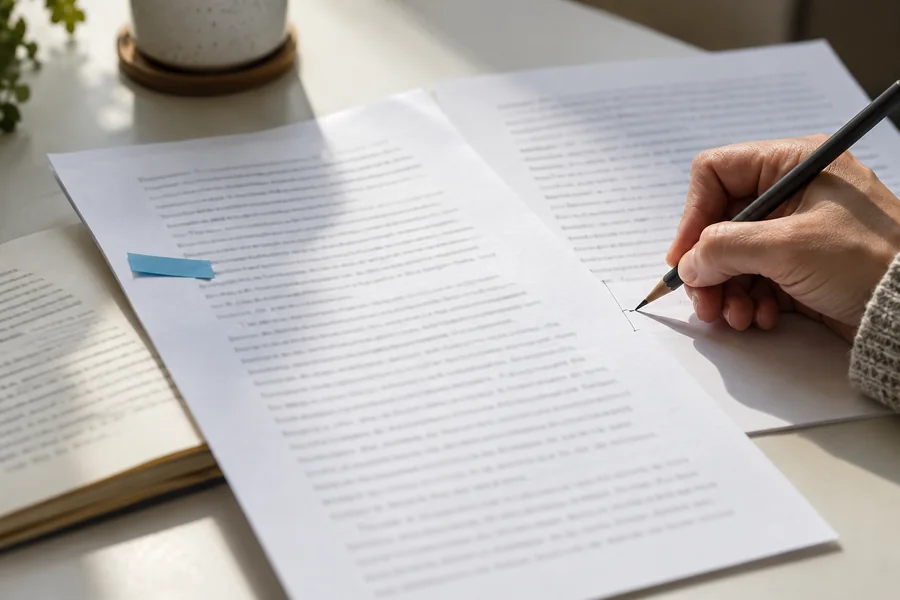
Original illustrative photograph, created for BookDraftLab.Use the tool with a clear task.
See what the draft does before deciding what to change. Open a note below for an example or a closer explanation.
Before you begin
A revision list becomes useful when its entries identify a problem you can inspect. Instead of “make the middle better,” record the sequence, passage, or reader response that prompted the concern. Name the scale: whole-book structure, chapter or scene, continuity, evidence, or language. Then choose an experiment that could test your understanding without committing to an enormous rewrite immediately.
Add one observation per note. Keep a separate copy of the manuscript before testing changes. The planner does not evaluate your book, rewrite passages, or apply edits to a file. It keeps your own reasoning visible so you can return to the pass with a clearer purpose. Export the list before making major changes to browser storage or working on a different device.
Choose the largest useful problem first.
If a chapter no longer belongs in the book, polishing every sentence inside it may be a poor first use of revision time. Check the sequence and function before moving to line edits. That does not mean small edits are forbidden during a structural pass. It means keeping track of which decisions remain open so an attractive local improvement does not distract from the issue the pass was meant to address.
Record newly discovered concerns for a later pass when they do not block the current one.
Describe the test and its intended effect.
“Move the meeting earlier” is a proposed action. Add why: the reader needs to understand the closure before the finder chooses to hide the letter. After trying the change, read the surrounding material and check whether that effect arrived. Another problem may remain, or the original arrangement may work better. Keep the observation even when you reject a proposed repair. A revision plan should help you compare choices, not turn every initial diagnosis into an unquestionable instruction.
Close a note by describing the outcome.
After trying a repair, export the plan and add what happened beside the original observation. You may have solved the issue, discovered a larger dependency, or decided the original version worked better. Preserve that result so a later revision does not repeat the same experiment without remembering its tradeoff. A new note can describe a remaining issue at a more useful scale.
Do not treat the number of completed items as a quality score for the manuscript: one structural decision can require more attention than many local corrections. The planner is a record of your reasoning. Its value is in helping you choose and evaluate work, rather than producing the longest possible checklist.
Questions about this tool.
Should I include every typo?
Keep small corrections in the manuscript or a separate proofreading pass. This planner is most useful for issues that need an editorial decision, evidence, or a test across more than one sentence.
Can I share the plan with an editor?
Export a copy and remove any private notes you do not intend to share. The file is a working list of your observations, not a professional assessment or a substitute for agreeing on the scope of editorial work.
Read the matching lesson.
Use a matching guide to examine the choices through a worked example, then return here to keep your own result.